Access in seconds
Documents are found by file number, date, subject or any word inside the document.

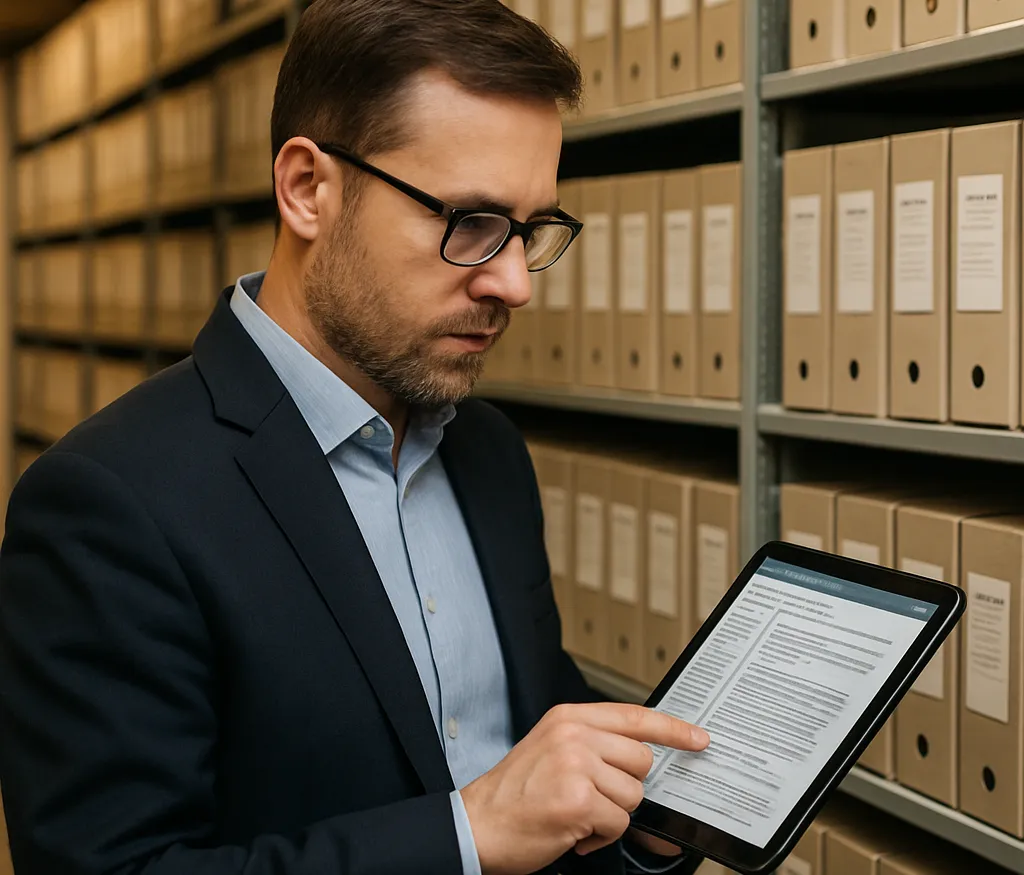
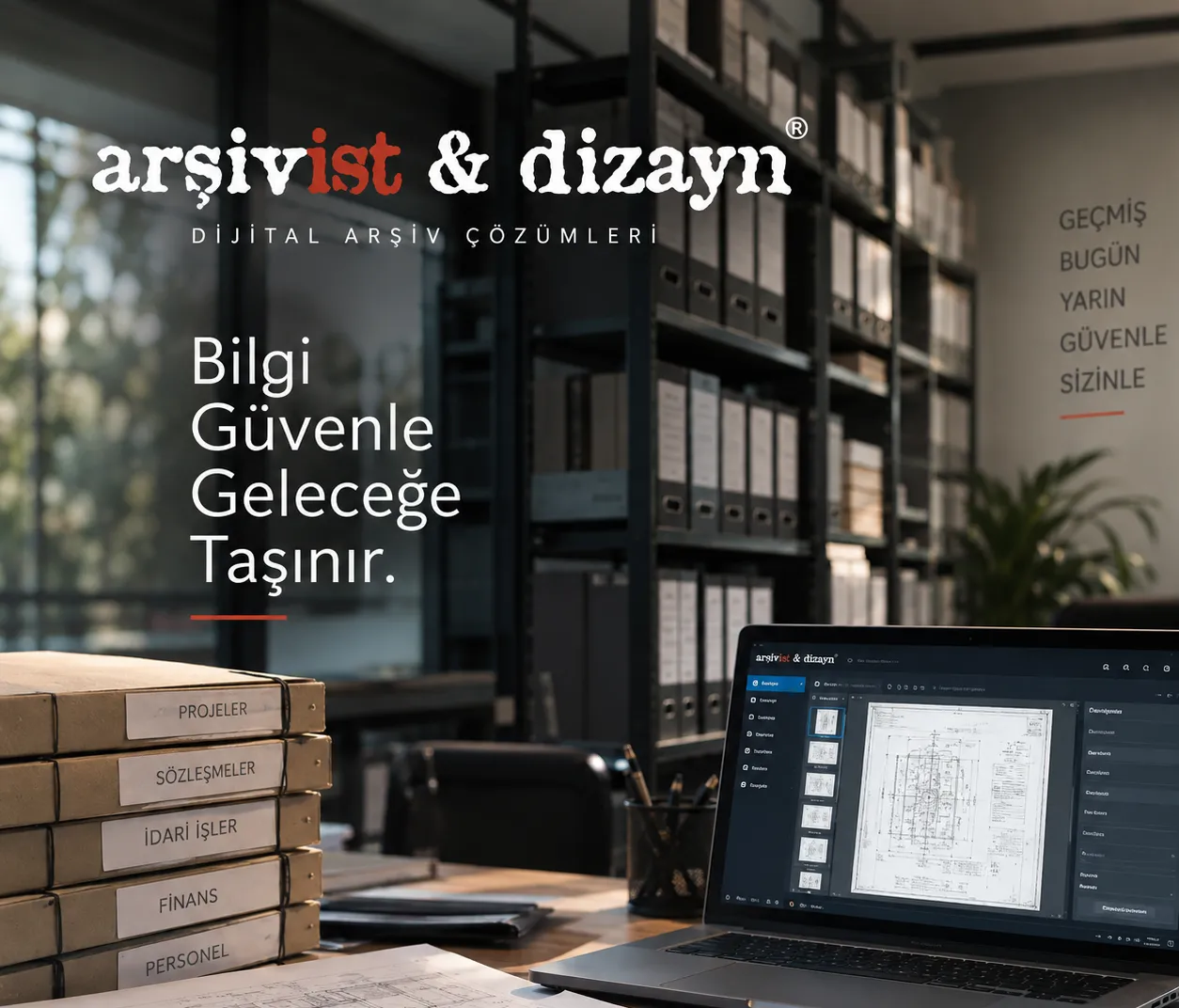
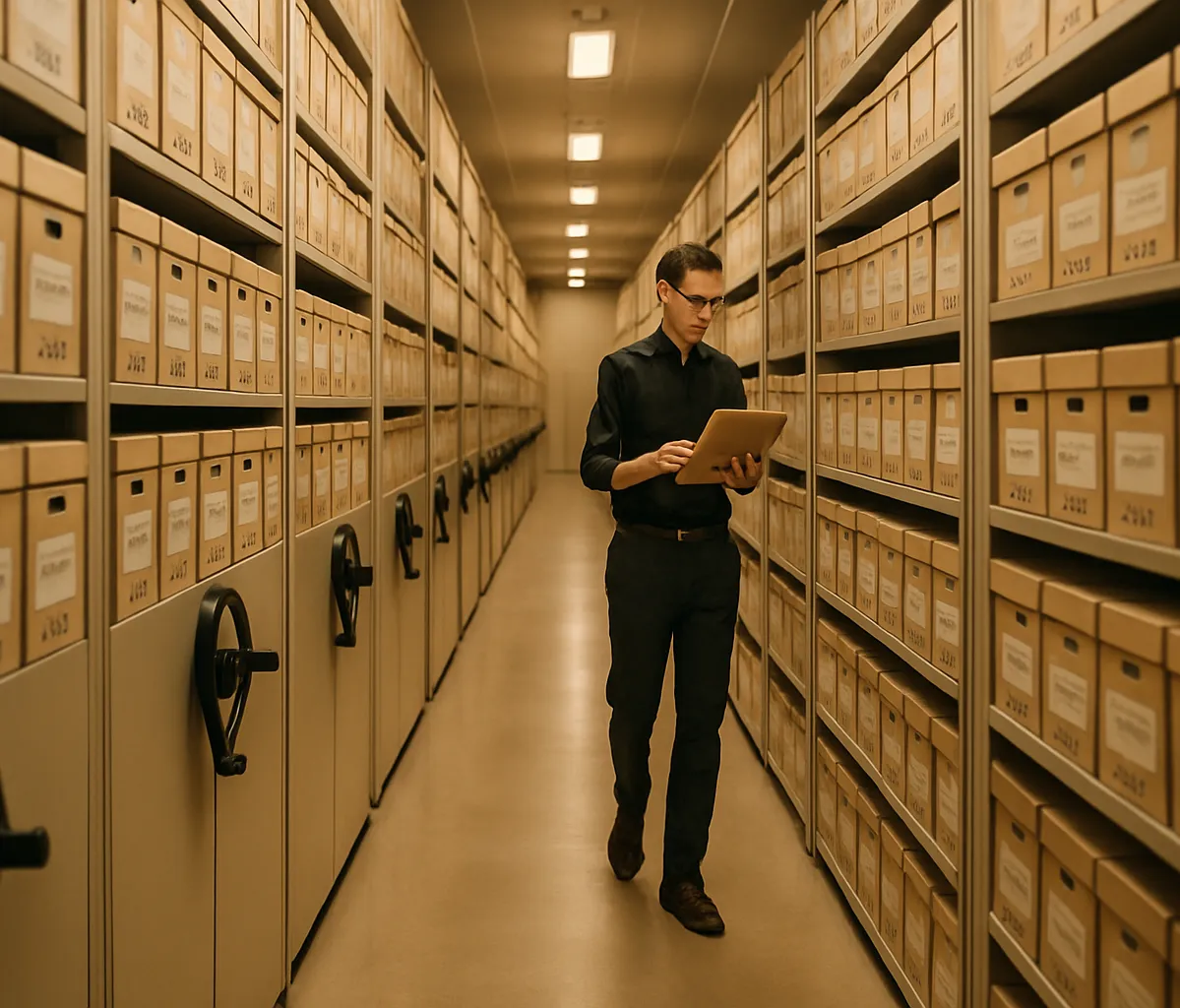
Our digital archiving services turn your documents into accessible organisational knowledge in seconds through high-resolution scanning, OCR and accurate indexing.
Let’s discuss your project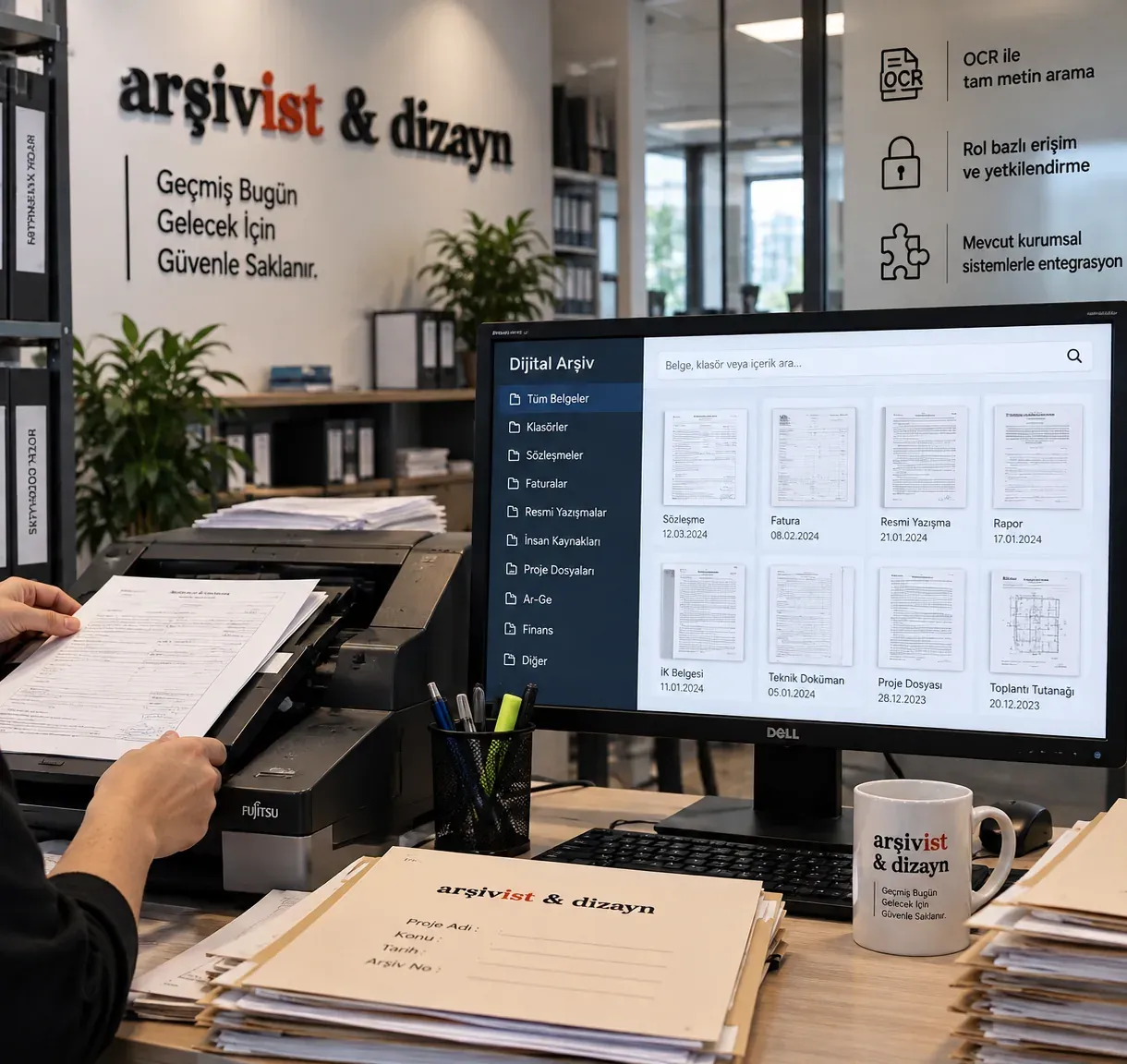
A digital archive means scanning physical documents, converting them to text with OCR, indexing them and storing them securely for the long term with access control and backup.
Scanning alone is not a digital archive: a scanned but unindexed folder replaces a pile of paper with a pile of images. A digital archive has three parts: the document image (scanning), the information that makes it findable (OCR and index fields) and the software that manages it (search, permissions, backup, retention and disposal periods).
The paper original is kept for its retention period while everyday use relies on the digital copy. The document stays on the shelf, several people can view it at the same time, and every action is recorded.
What is a digital archive? Read the full guideDocuments are found by file number, date, subject or any word inside the document.
Everyday use relies on the digital copy; the paper document stays on the shelf and the risk of wear and loss falls.
With role-based permissions each user sees only the records they are authorised for, and who opened which document is recorded.
Staff in different departments reach the same document at the same time; regular backup is a second safeguard against fire, flooding or loss.
Scanned but unindexed files simply create a new document pile in the digital environment.
A digital archive is not just a scanned image of a paper document; it is an integrated system that lets a document be found in seconds, be managed securely, and be stored sustainably.
We manage the entire process, from scanning infrastructure to access authorisation.
We apply two-stage quality control targeting 99%+ index accuracy.
With standards such as PDF/A and TIFF, your documents remain accessible in the future.
We seamlessly connect the digital archive to your organisation’s existing software infrastructure.
A digital archive is not simply a scanned copy of a paper document. A properly built digital archive system is an integrated structure that lets a document be found in seconds, be viewed only by authorised people, be backed up regularly, and be managed traceably throughout its entire lifecycle.
In the digital archive projects we have run since 1999, we manage the whole process with a single team — from document preparation and scanning infrastructure to OCR full-text search, metadata schema, role-based access authorisation and long-life file formats. As a result, your organisation ends up with a searchable, secure and sustainable digital archive instead of scattered folders.
Your scanned and indexed documents are searched, authorised and made accessible on web and mobile from a single hub through our digital archive software, Arşivist DAYS; service, software and access come as one package.
Contracts, undertakings and legal correspondence become full-text searchable with OCR; deadline tracking and access authorisation reduce risk.
Personnel files move to a digital environment with secure, role-based access; the relevant department reaches the right document in seconds.
Technical drawings, specifications and project documents are enriched with metadata, so they can be found quickly even years later.
Incoming and outgoing correspondence is integrated into the digital archive, ensuring continuity of institutional memory.
An auditable, sustainable scope scaled to your needs.
Every step is documented; scope and quality criteria are agreed at the start of the project.
Document types, priorities, resolution and output standards are defined.
Documents are cleaned, organised and scanned with equipment suited to their type, preparing them for the digital archive.
Content is made searchable and enriched with defined fields.
Image and data accuracy are checked before secure transfer to the target digital archive system.
Role-based access, backups and periodic audits keep the digital archive active and reliable.
In our digital archiving projects, scanning usually takes place at scanning stations we set up inside your own building, run by our own project team; documents are prepared, scanned and returned to their place without leaving the archive room.
For the Ottoman Archives Department in Istanbul, a team of 60–70 people with 30 book scanners classified, carried out basic repairs on and digitised 25 million historical documents this way. At the Presidential Nation’s Library, work continued with 100 to 350 staff throughout the project.
We offer three working models: an on-site turnkey project team (service bureau), scanner, software and staff support for your own team, or setting up your in-house scanning unit with scanner sales, installation and training.
See our projectsCapacity is not set by a single device but by the scanners and number of stations chosen for each document type.
Bound books, ledgers and historical documents are scanned on overhead scanners that automatically correct page curvature, without forcing the binding.
High-volume files and personnel records are scanned in batches with Canon, Fujitsu and Kodak production document scanners.
250,000 metres of project files at İzmir Water and Sewerage Administration and 450,000 metres at Isparta Municipality were scanned into the digital archive.
The number of scanners and staff is planned according to document volume and delivery schedule; projects of millions of pages run on parallel stations.
Our information security management system is certified to ISO/IEC 27001:2022 and our quality management system to ISO 9001:2015; the scope covers archive organisation, digitisation and archive software.
For documents containing personal data, such as personnel, student, patient or customer files, the fields to be indexed, who may view them and where the data will be stored are agreed with your organisation at the start of the project. Access to the digital archive is role-based, every action is logged and data is backed up regularly.
Read our information security policyAt İzmir Water and Sewerage Administration, documents were physically organised, barcoded and transferred to the digital archive; every department was given access in the document archive management system.
Classified, given basic repairs and digitised for the Ottoman Archives Department.
Rare works and collections were digitised at the Presidential Nation’s Library, alongside the cataloguing of 1,320,000 books.
Scanned for Isparta Municipality, where a document archive management system was set up and integrated with Netcad and Saysis.
Scanned documents are transferred to our archive management system, Arşivist DAYS, where each document’s record, physical location, loan status and retention-disposal period are tracked in one system.
Full-text OCR search, custom metadata fields, role-based permissions and web access mean the document you need is found in seconds. The system can be integrated with existing software such as ERP, electronic document management and GIS platforms.
Explore Arşivist DAYSA firm price is given in a written quote after the inventory analysis. The cost per page depends on:
Digital archiving services convert paper documents into a searchable, secure electronic archive through scanning, OCR and indexing, and keep them accessible over the long term with permissions, backup and search.
It depends on document volume, material type and the level of metadata required. After an inventory analysis, we provide a project schedule tailored to you.
Cost is usually calculated per page and varies with the number of pages, document size and condition, number of index fields, OCR needs and delivery time. After the inventory analysis we provide an itemised written quote.
They do not have to. Scanning can be carried out by our team at scanning stations set up in your building; documents are scanned and returned without leaving the archive room.
An electronic document management system (EDMS) handles the creation and approval of correspondence, often with e-signatures; an archive management system manages the record, location, access and retention-disposal periods of current and historical documents. Arşivist DAYS can be integrated with an EDMS.
For long-term access, archival formats such as PDF/A and TIFF are generally used; other output formats are also supported as required.
Yes. With OCR (optical character recognition), documents become full-text searchable and can also be filtered by defined metadata fields.
Historical documents and bound books are scanned on book scanners that automatically correct page curvature, without forcing the binding. Basic repairs are made before scanning where needed; our conservation team steps in for heavily damaged items.
Role-based access permissions, activity logs and regular backups protect the information in your digital archive against unauthorised access. Our information security management system is ISO/IEC 27001:2022 certified.
Look for information security certification (ISO/IEC 27001), completed reference projects of similar scale, the capacity to scan on site and the archive software that will be used after scanning. Since 1999, Arşivist has completed more than 400 projects for over 200 organisations.
Yes, we can integrate the digital archive system with your organisation’s existing document management, ERP or corporate software.