
DIGITAL ARCHIVE GUIDE
What is a digital archive? Benefits, components and how to build one in 5 steps
A digital archive is a system in which paper documents are scanned, made searchable with OCR and stored securely with access control and backup. Components, benefits and steps are explained in this guide.
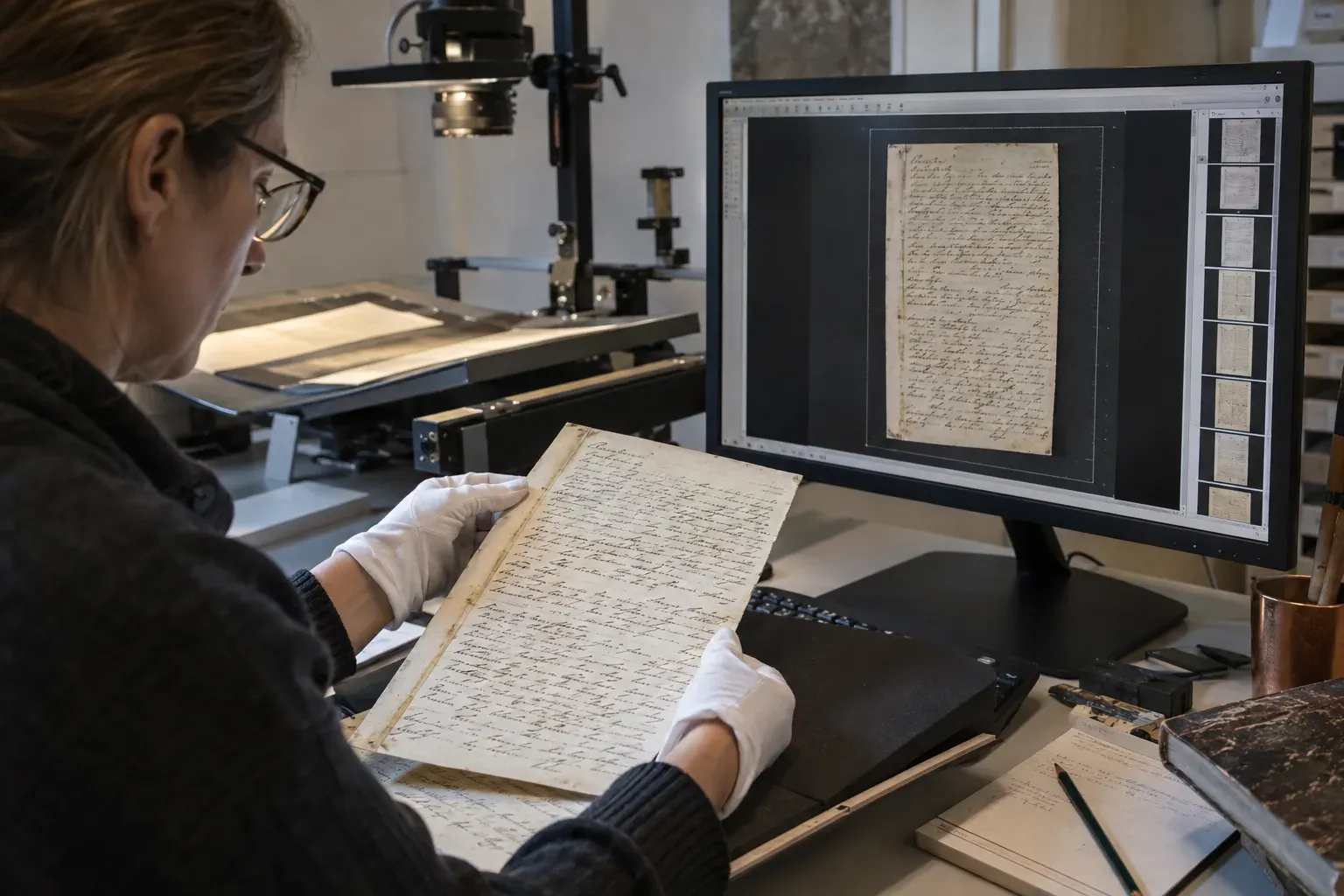
A digital archive is an archive system in which paper and other physical documents are scanned into electronic form, converted to text with OCR, indexed, and stored securely over the long term with access control and backup. The goal is not merely to capture an image of a document, but to make sure it can be found in seconds when needed, is seen only by authorised people, and that every action is recorded and managed.
A digital archive is not the same as a pile of scanned files
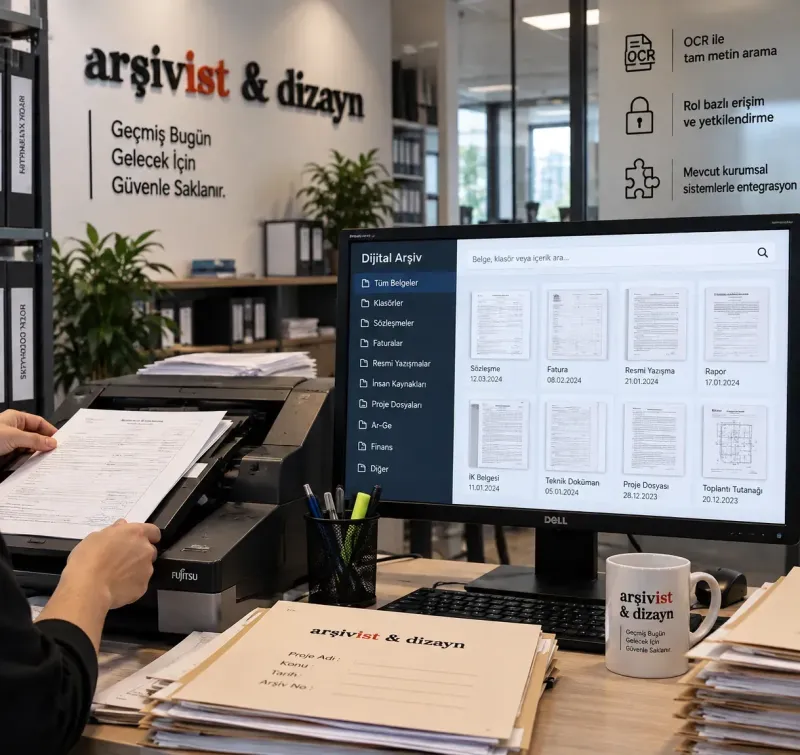
Scanning a folder and saving it to a shared directory does not create a digital archive; it replaces a pile of paper with a pile of images. A folder that can only be searched by file name, where nobody knows who opened what and which has no backup, is not an archive. A digital archive has three parts:
- The document image: a scan made with the right device, at the right resolution, in long-life formats such as PDF/A or TIFF.
- The information that makes it findable: text obtained through OCR plus index (metadata) fields such as file number, date, department and subject.
- The software that manages it: search, role-based permissions, activity history, backup, retention and disposal periods.
Benefits of a digital archive
- Fast access: documents are found in seconds by file number, date, subject or any word inside the document.
- Protecting the original: everyday use relies on the digital copy, so the paper document stays on the shelf and the risk of wear and loss falls.
- Controlled, traceable access: each user sees only the records they are authorised for, and who opened which document and when is recorded.
- Simultaneous use: staff in different departments and branches can view the same document at the same time.
- Saving space and time: less effort goes into searching for documents and moving files, and the need for archive rooms shrinks.
- Backup: because digital copies are backed up regularly, there is a second safeguard against fire, flooding or loss.
How is a digital archive built? 5 steps
- Inventory analysis: document types, volume, physical condition, priorities and output standards are defined.
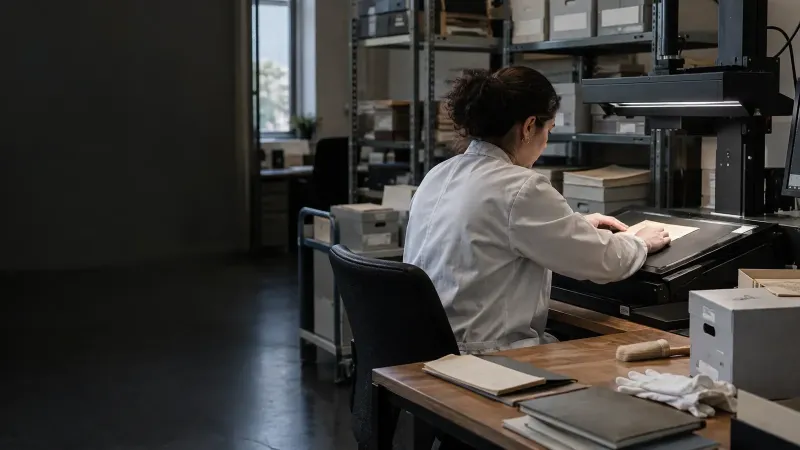
- Preparation and scanning: documents are cleaned, put in order and scanned with a device suited to their type (book scanner, fast document scanner, large-format scanner).
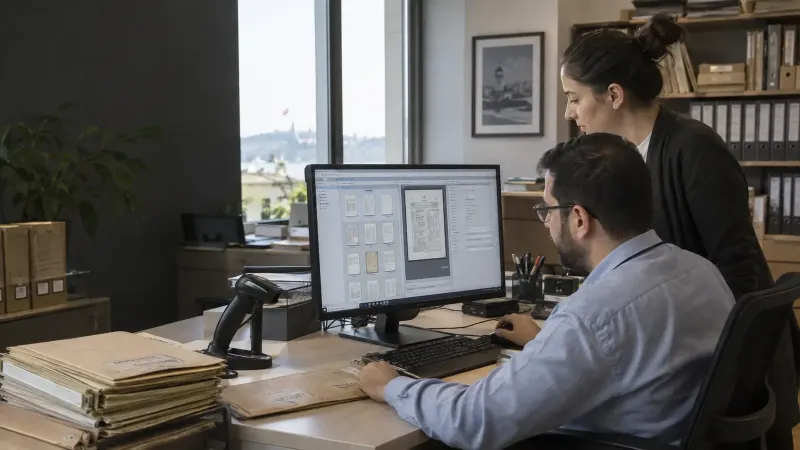
- OCR and indexing: the content is converted into searchable text and organisation-specific index fields are entered.
- Checking and transfer: image and data accuracy are verified and the documents are loaded into the archive software.
- Access and sustainability: role-based permissions are set, backup and periodic audits are put in place, and newly arriving documents join the same process.
In most projects scanning takes place at scanning stations set up inside your own building, so documents are scanned without leaving the archive room and are put back in place. You can read the process in detail on our digital archiving services page.
Which documents go into a digital archive?
Contracts, personnel files, student and patient files, technical drawings and project documents, incoming and outgoing correspondence, newspapers, books and rare works can all be digitised. The same method does not suit every type: a bound book is scanned with a contactless book scanner, a large map with a wide-format scanner. Retention and disposal periods for the paper originals are set by legislation and the organisation's archive rules; a digital copy alone may not be enough to justify destroying an original, so a retention plan should be prepared separately.
Digital archive, e-archive and document management system: what is the difference?
In Turkey, “e-archive” usually refers to the Revenue Administration's e-Archive Invoice application, which covers invoices produced directly in electronic form. A digital archive, by contrast, is about transferring documents that exist on paper into electronic form and managing them.
Document management systems focus on the approval, versioning and sharing workflow of digital files produced today; a digital archive focuses on organising the archive inherited from the past, most of it on paper. Organisations usually need both. For software selection, see our guide on how to choose digital archive software.
How long does it take and how is the cost calculated?
Duration depends on document volume, the type of material and the level of indexing required. Cost is mostly calculated per page and is affected by page count, document size and condition, number of index fields, the need for OCR and delivery time. A written quotation is prepared after the inventory analysis. When evaluating a provider, you can use our 10-question checklist.
Digital archiving with Arşivist
For more than 25 years Arşivist & Dizayn has been organising, digitising and managing institutional archives, with over 400 projects at more than 200 institutions. They include the 65-million-page institutional archive at İZSU and the digitisation of 25 million historical documents at the Ottoman Archives Department. Our information security management system is certified to ISO/IEC 27001:2022 and our quality management system to ISO 9001:2015.
You can explore our digital archiving service for scanning, OCR and indexing, and Arşivist DAYS software for managing scanned documents; to define the right structure for your archive together, get in touch with us.
Related posts
How to choose a digital archiving company: a 10-question checklist
When choosing a digital archiving company, compare not only price but also references, ISO 27001 information security, on-site scanning c…
What is digital archive software? What to look for when choosing one
Digital archive software keeps scanned documents and the records of the physical archive in one place, making them searchable, access-con…
With a digital archive, your documents are at your fingertips in seconds
The digital archive systems we build with high-resolution scanning, OCR and accurate indexing turn your documents into secure, searchable…