
DIGITAL ARCHIVE GUIDE
What is digital archive software? What to look for when choosing one
Digital archive software keeps scanned documents and the records of the physical archive in one place, making them searchable, access-controlled and traceable. When choosing one, look at search, permissions, physical location tracking, retention periods and integration.
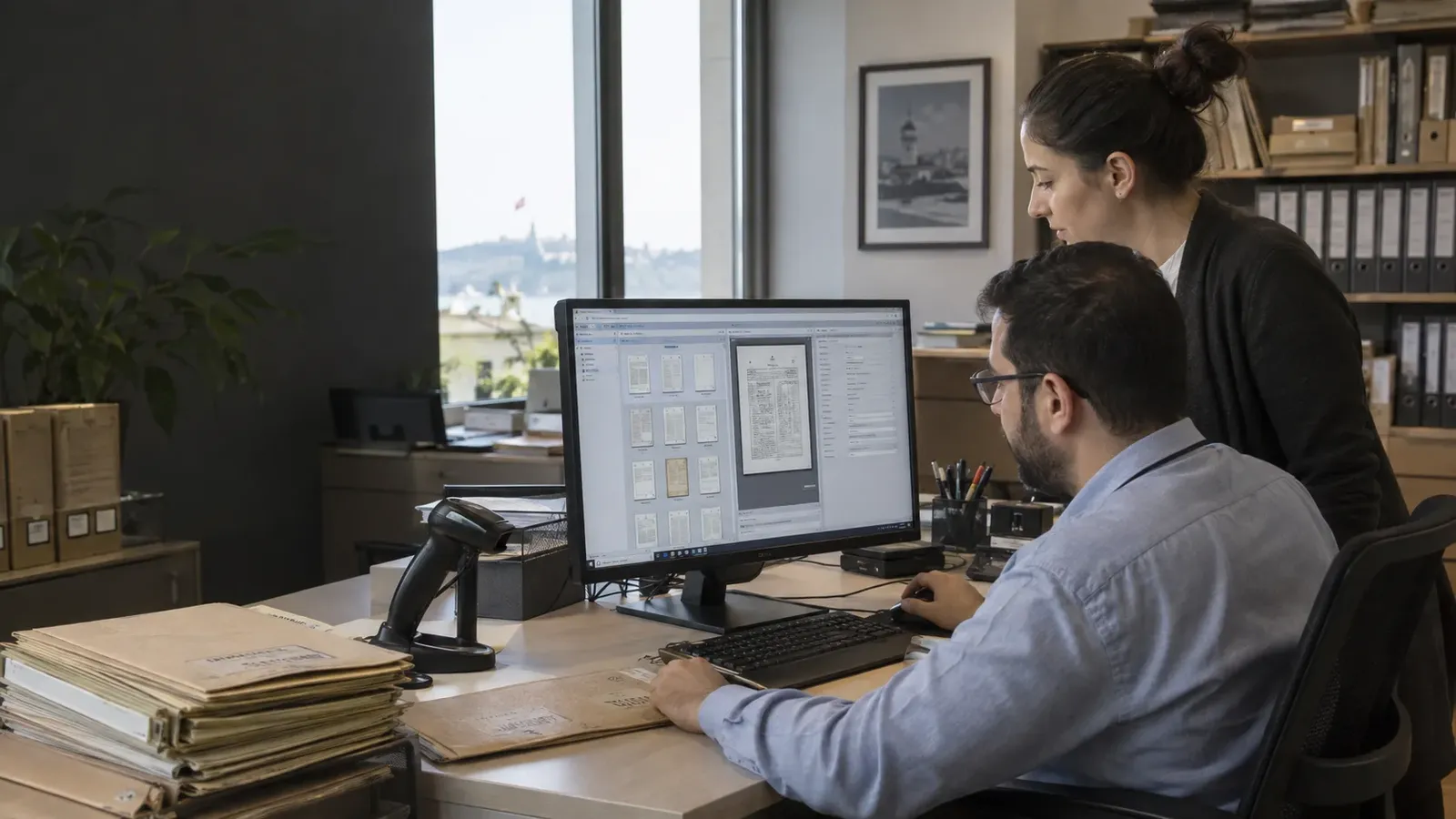
Digital archive software records an organisation's documents digitally, makes them searchable and controls who can access which document. Good software does more than store scanned images; it also tracks each document's metadata, its location in the physical archive, its lending status and its retention period. That way, both the digital copy and the paper original are managed from a single system.
What does digital archive software do?
- Fast access: documents are found in seconds by searching on file number, date, subject or the text recognised by OCR.
- Controlled sharing: several users can view the same document at the same time, and each user sees only the records they are authorised to see.
- Protecting the original: the digital copy is used while the paper document stays on the shelf, reducing the risk of wear and loss.
- Traceability: who opened or borrowed which document, and when, is recorded.
How is it different from a document management system?
Document management systems mostly focus on the workflow of digital files being produced today: approval, versioning, sharing. Digital archive software focuses on organising the archive inherited from the past, most of which is on paper: the file plan, physical location, retention period, disposal and lending. What organisations need most is a setup where the two meet, so when choosing software it is important to check whether it also manages the physical archive.
8 points to check when choosing
- Search: does it offer both field-based search (file number, date, department) and full-text (OCR) search?
- File plan: can the organisation's own file plan and archiving rules be defined in the system?
- Role-based permissions: can access be restricted by department, user and document type?
- Physical location and lending: can you track which shelf and box the paper original is in, and who has it?
- Retention and disposal: can retention periods be defined and documents whose period has expired be reported?
- Activity history: are views, downloads and changes written to an audit log?
- Integration: can it talk to the other systems the organisation uses through an API?
- Deployment and support: is there a choice of cloud or on-premises deployment, and is support provided after go-live?
Before the software: digitising the documents
Digital archive software is only as useful as the data that goes into it. The paper archive first has to be sorted, scanned, converted to text with OCR and indexed. Skip this step and the software stays empty or turns into a pile of unsearchable images. Our digital archiving service, covering scanning, OCR and indexing, handles this preparation and transfers the data directly into the archive software.
Arşivist DAYS
Arşivist DAYS is our web-based document archive management system that manages organisations' printed documents in line with archiving rules. It tracks document metadata, location, lending status and disposal date in a single system, and offers full-text search, role-based permissions, activity history and reporting. At Isparta Municipality, for example, documents were scanned, a document archive management system was set up, and integrations with Netcad and Saysis were built.
You can explore the other software we have developed for media, library and corporate asset archives on our software services page. To work out the right setup for your archive together, get in touch with us.
Related posts
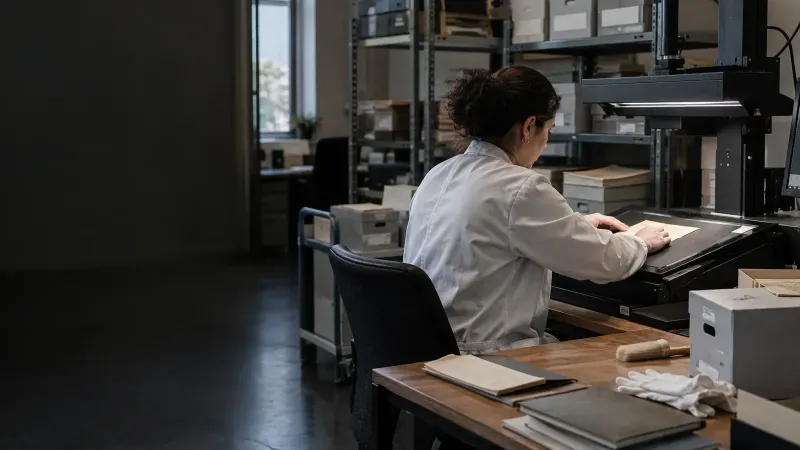
How to choose a digital archiving company: a 10-question checklist
When choosing a digital archiving company, compare not only price but also references, ISO 27001 information security, on-site scanning c…
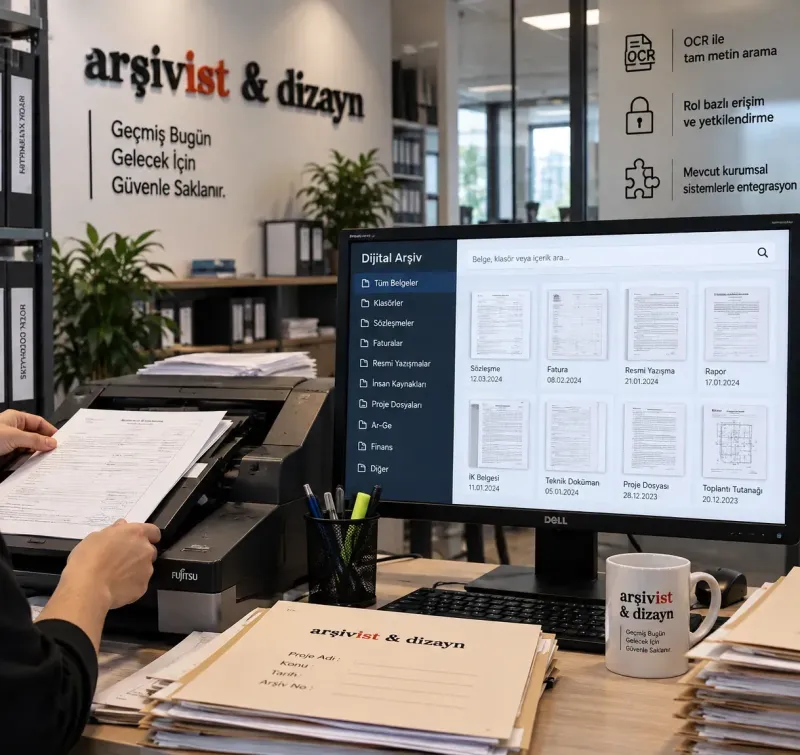
With a digital archive, your documents are at your fingertips in seconds
The digital archive systems we build with high-resolution scanning, OCR and accurate indexing turn your documents into secure, searchable…